Looking at models up close
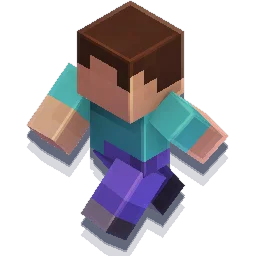
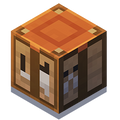
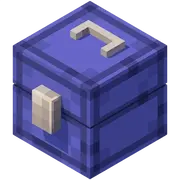
In the game it’s hard to see the back of a mob or how a texture wraps around a block. The viewer loads blocks, items and mobs from the game’s own models and textures, so you can spin them around, zoom in to the pixel and switch between variants.
It’s handy for builders comparing blocks, for anyone making skins or resource packs, and for finding the exact ID to use in a command.
How to use it
- 01
Search by name or by ID, for example minecraft:cherry_log.
- 02
Drag to rotate, scroll or pinch to zoom.
- 03
Use the variant menu for things like copper oxidation, crop growth stages or mob colors.
Good to know
- Mobs use the geometry Mojang publishes for Bedrock, while blocks and items use Java models, so proportions can differ slightly.
- The stats panel shows triangle and draw call counts, useful if you’re comparing models for a map or mod.
- On a phone, use one finger to rotate and two to zoom.
Frequently asked questions
Do I need to install anything?
No. It runs in the browser with WebGL.
Are new mobs and blocks included?
The catalog is generated from game files and updated when new content comes out.
Can I use the models in my own project?
Minecraft models and textures belong to Mojang. Use them within Mojang’s usage guidelines.
Does it work on a phone?
Yes. Drag with one finger to rotate and pinch to zoom.
What do triangles and draw calls mean?
Triangles are the pieces the model is made of, and draw calls are how many separate jobs the graphics card needs to draw it. Lower numbers mean a lighter model.
Where do the models come from?
Blocks and items come from the Java game files. Mobs use the geometry and textures Mojang publishes in its official Bedrock samples.